

In 2026, the digital landscape is more mobile-dominated than ever. Smartphones, foldables, and wearable interfaces serve as the primary gateways to the internet for billions of users. Mobile-first web design is no longer optional — it is the foundational strategy for any website that aims to succeed in visibility, user engagement, and conversions.
Designing for the smallest screens first forces focus on what truly matters: essential content, fast performance, and intuitive interactions. You then progressively enhance the experience for larger screens. This approach delivers superior results across all devices.
Why Mobile-First Design Matters in 2026
- Mobile Traffic Dominance: Mobile devices now account for over 60% of global web traffic, with even higher percentages in many industries and emerging markets. Users browse on the go, expect instant access, and abandon slow or clunky sites quickly.
- SEO and Search Engine Prioritization: Google’s mobile-first indexing is fully established. The mobile version of your site determines rankings, crawlability, and core web vitals performance. Non-optimized sites face lower visibility and traffic.
- Superior User Experience and Conversions: Mobile users demand lightning-fast load times (under 2–3 seconds), thumb-friendly navigation, and seamless interactions. A well-executed mobile-first design boosts engagement, reduces bounce rates, and drives higher conversions.
- Broader Reach and Inclusivity: Mobile-first principles improve accessibility for users in diverse regions, on varied devices, and with different abilities. They also prepare sites for emerging interfaces like voice, AR, and PWAs.
- Future-Proofing: With advancing networks (5G/early 6G), AI personalization, and new device form factors, starting mobile ensures your site adapts efficiently without heavy rework.
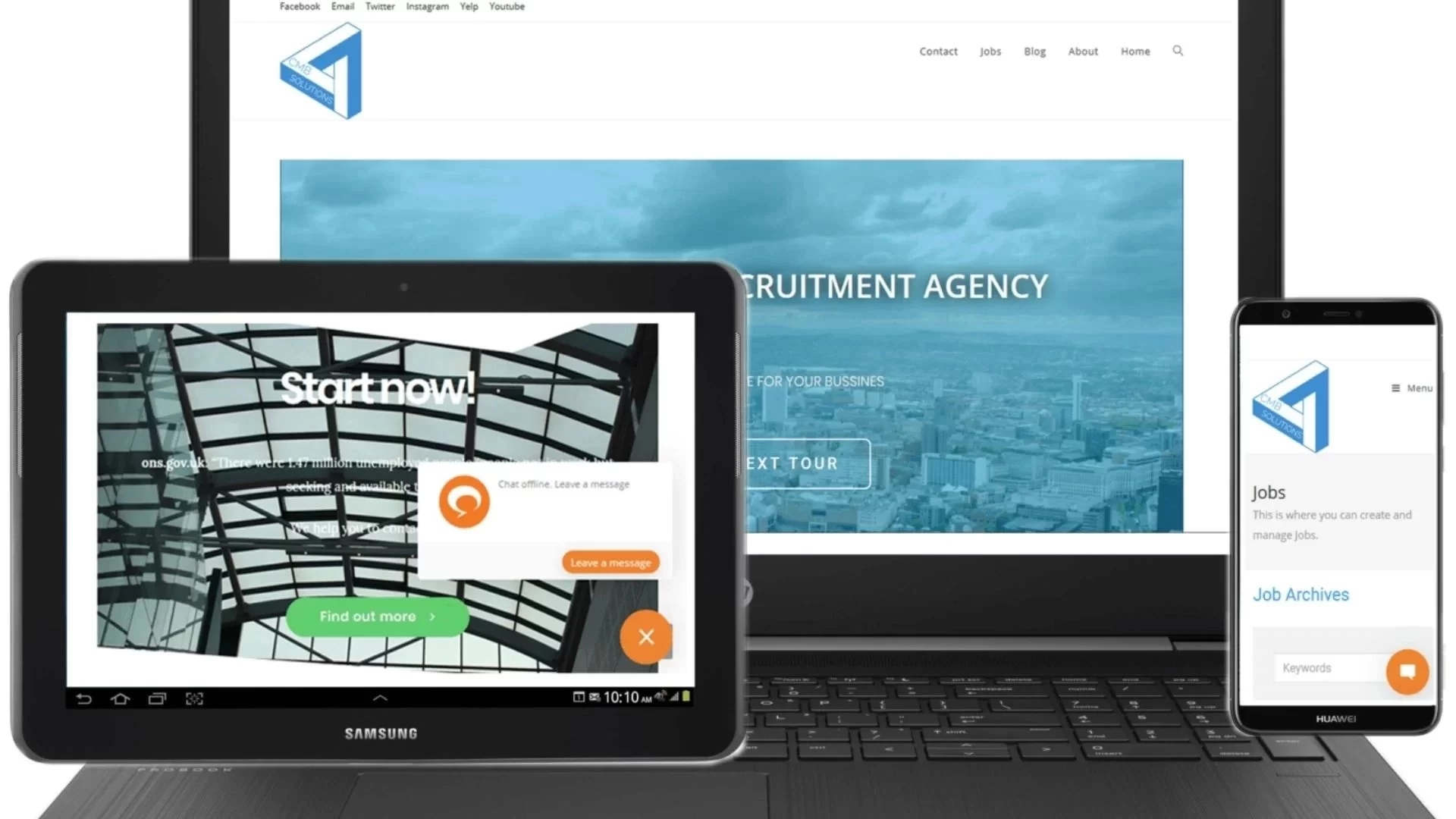
Key Tips for Mobile-First Web Design in 2026
1- Ruthless Content Prioritization
Identify core content and features users need most. Place critical elements (CTAs, key info, navigation) front and center on small screens. Remove or deprioritize secondary content that can load later or appear on larger views.
2- Responsive and Adaptive Design
Use fluid grids, flexible images, and CSS media queries (mobile-first approach with min-width). Design for content breakpoints rather than specific devices. Test across real devices, including foldables and tablets.
3- Performance Optimization
Mobile users remain highly sensitive to speed. Compress images, use modern formats (WebP/AVIF), implement lazy loading, minimize JavaScript, and leverage browser caching/CDNs. Aim for excellent Core Web Vitals scores. Progressive Web Apps (PWAs) can further enhance offline capability and app-like feel.
4- Thumb-Friendly and Gesture-Based Navigation
Design large, well-spaced touch targets. Support common gestures (swipe, pull-to-refresh). Keep menus simple — hamburger icons, bottom navigation bars, or sticky elements work well on mobile.
5- Typography and Readability
Use legible, scalable fonts with sufficient contrast. Default text sizes should be comfortable without zooming. Employ clear hierarchy with headings, short paragraphs, and scannable bullet points.
6- Touch-Optimized Forms and Interactions
Simplify forms with minimal fields, smart defaults, auto-fill, and validation. Consider voice input support for search and forms, especially as voice interfaces gain traction.
7- Dark Mode and Adaptive Interfaces
Implement system-preferred dark/light modes. They reduce eye strain, save battery on OLED screens, and align with modern user expectations.
Best Practices for Mobile-First Success
- Progressive Enhancement: Build a robust, functional mobile base first. Then layer on richer visuals, animations, and features for desktop and high-end devices. This ensures core functionality everywhere
- Rigorous Testing: Regularly test on real devices and emulators. Use tools like Google’s PageSpeed Insights, Mobile-Friendly Test, and Lighthouse. Conduct user testing focused on mobile behaviors.
- User-Centric and Data-Driven Design: Analyze mobile analytics and heatmaps. Understand context (on-the-go vs. relaxed browsing) and personalize experiences with AI where appropriate, while respecting privacy.
- Image and Media Optimization: Serve responsive images with srcset and sizes. Use next-gen formats and consider lightweight illustrations or SVGs for icons.
- Concise, Engaging Content: Write scannable copy optimized for mobile consumption. Combine it with strategic visuals and micro-interactions that enhance without slowing things down.
- Accessibility First: Follow WCAG guidelines from the start — proper contrast, ARIA labels, keyboard/touch navigation, and screen reader support.
Conclusion
In 2026, mobile-first web design stands as a non-negotiable foundation for competitive websites. It improves SEO, delivers exceptional user experiences, boosts performance, and prepares your site for future technologies like advanced AI, immersive elements, and evolving device ecosystems.
By starting with mobile constraints, you create leaner, faster, more focused websites that perform better for everyone. Embrace this mindset, apply these tips and best practices, and position your site for success in a mobile-first world.
Need a modern, fast, mobile-first (or fully responsive) website?
Contact us for expert help tailored to 2026 standards.