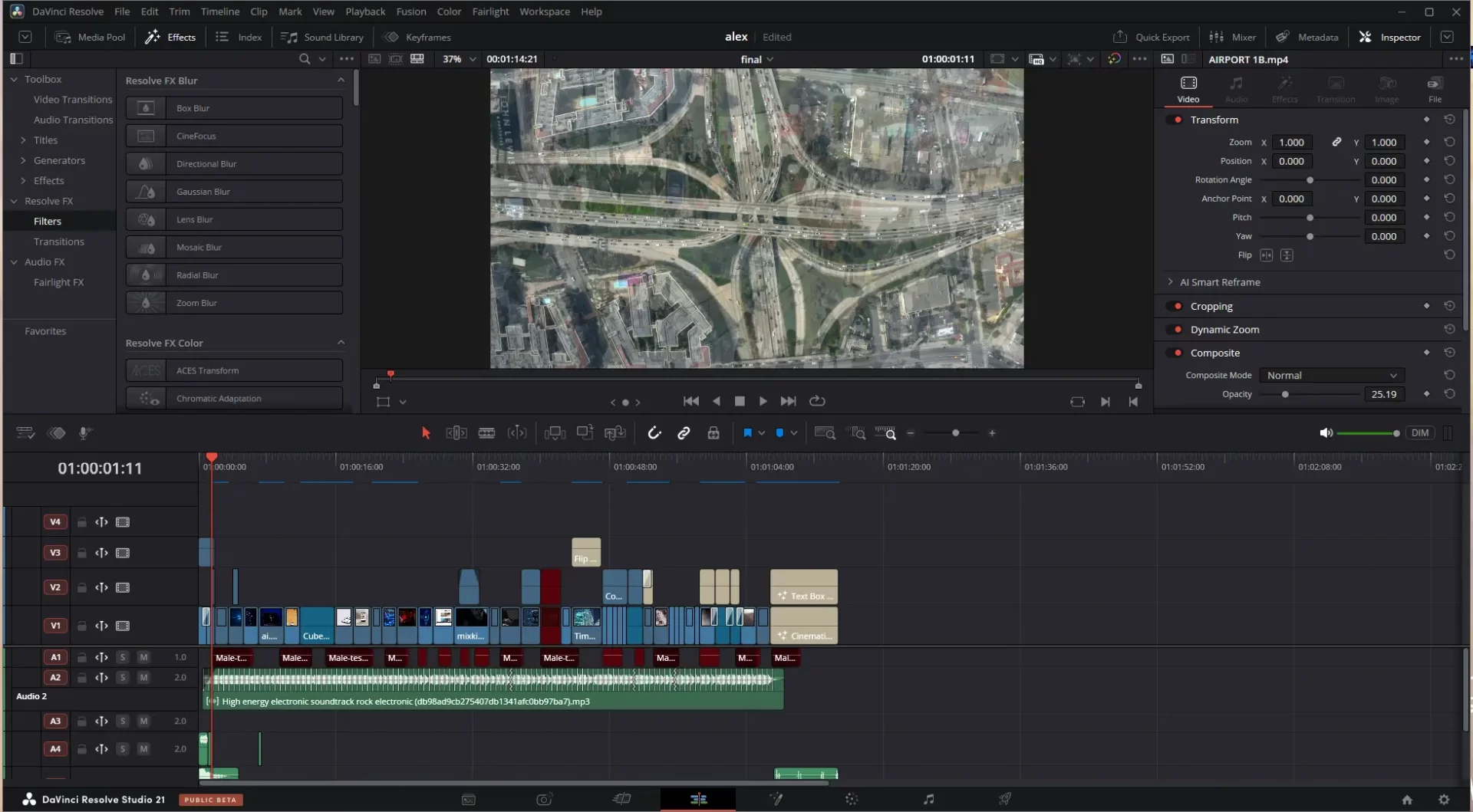
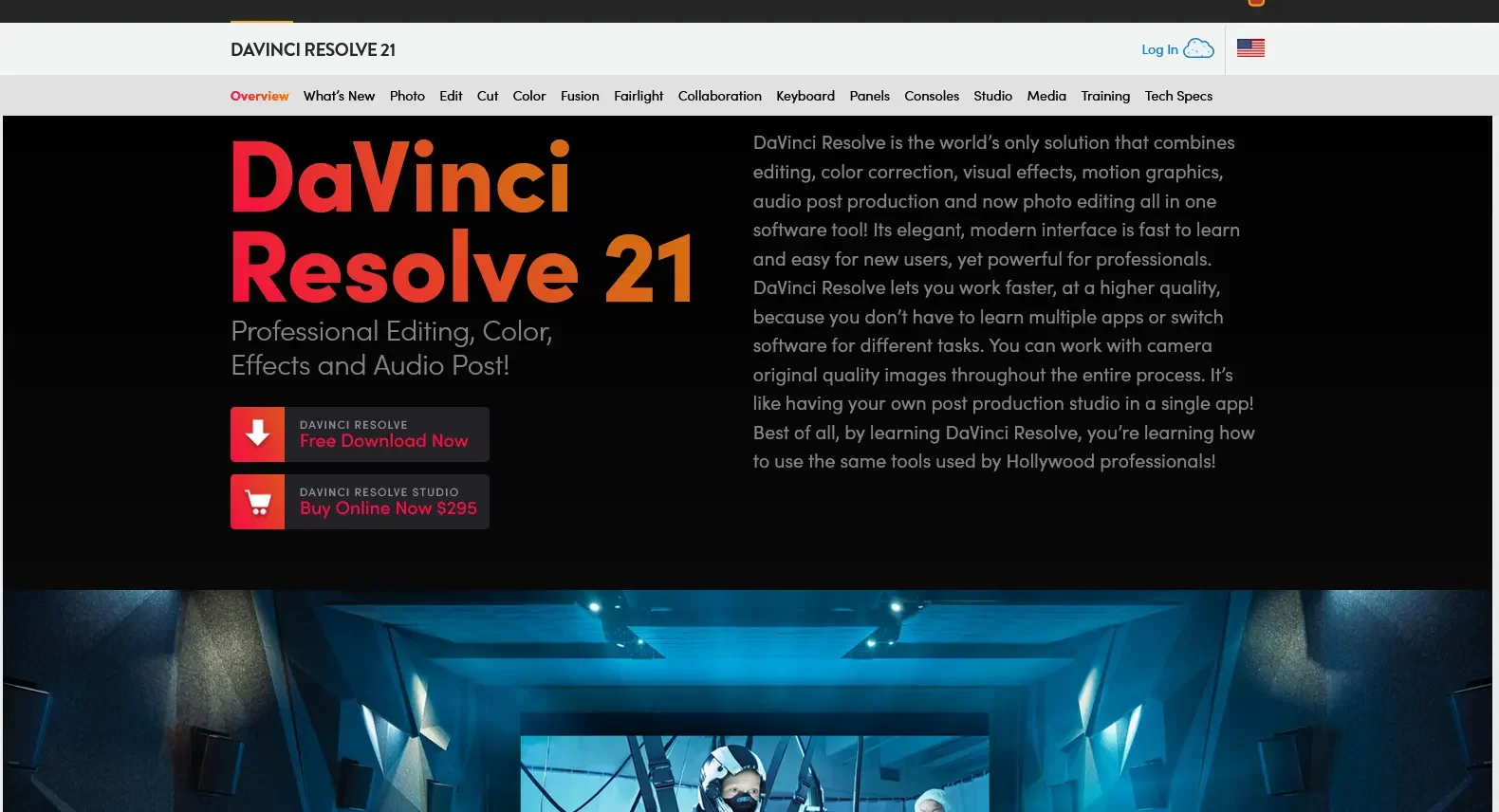
In a world dominated by subscription-based software, DaVinci Resolve stands out as a powerful, professional-grade alternative that delivers exceptional value without recurring costs. As someone who has long preferred one-time purchase models, I have actively sought out tools that offer ownership and long-term affordability.
I have been using DaVinci Resolve since 2017 and upgraded to the Studio version in 2024.
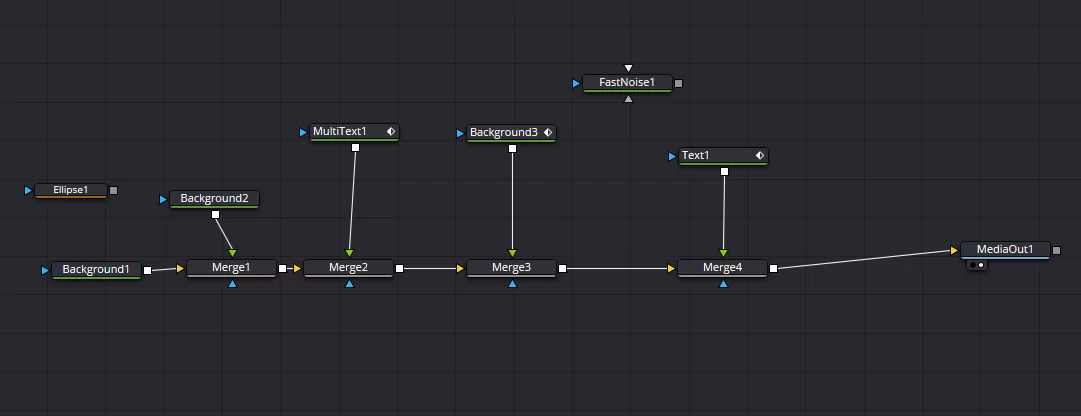
The paid edition has introduced several outstanding new features that are well worth the investment, yet the free version remains remarkably capable for most users. What makes Resolve particularly compelling is its complete post-production environment. It combines professional editing, industry-leading color correction (the software’s original foundation), advanced yet accessible audio tools, and Fusion — a robust node-based compositing suite for motion graphics and visual effects.
Fusion supports importing 3D objects from Blender, building 3D scenes, and creating sophisticated 2D animations. Blackmagic Design has also recently introduced a photo editing module (currently in beta), further expanding its capabilities. The community contributes hundreds of high-quality free presets and tools that extend the free version even further.This philosophy of offering powerful, fairly priced software is one I deeply appreciate.
NOTE: I have used LibreOffice since its OpenOffice days, purchased the full Affinity suite, and continue to benefit from tools like Cavalry — a strong 2D motion graphics editor recently acquired by the Australian company Canva and made free. Notably, Blackmagic Design, the company behind DaVinci Resolve, is also Australian.
Whether you are a YouTuber, filmmaker, social media creator, or professional editor, choosing the right tool can dramatically impact your workflow, output quality, and budget. Today, we’re diving deep into
why DaVinci Resolve stands out as the better overall option for most users.
1. Pricing: One-Time Payment (or Completely Free) vs. Subscriptions
This is often the biggest differentiator.
- DaVinci Resolve: The free version is incredibly powerful and sufficient for the vast majority of users. The paid DaVinci Resolve Studio is a one-time purchase of $295, unlocking features like higher resolutions, advanced noise reduction, HDR tools, and more. No recurring fees.
- Adobe Premiere Pro: Subscription-based, typically around $20–60/month (depending on the plan). Over a few years, this easily exceeds the cost of Resolve Studio.
- CapCut: Free tier with strong capabilities for short-form content; Pro features require a subscription that’s much cheaper than Adobe but still recurring
Winner: DaVinci Resolve. Own your software outright and avoid subscription fatigue. For budget-conscious creators, this is a game-changer.
2. All-in-One Professional Powerhouse
DaVinci Resolve isn’t just an editor — it’s a complete post-production suite:
- Edit page for cutting and assembly
- Color page (industry-leading)
- Fusion for visual effects and motion graphics (often compared favorably to After Effects)
- Fairlight for professional audio post-production (rivaling dedicated tools like Pro Tools)
- Deliver for exporting
- Photo edit [introduced with Davinci resolve 21 – still in BETA]
Premiere Pro handles editing well and integrates with After Effects, but it requires jumping between apps and often feels bloated.
CapCut excels at quick social media edits with templates, effects, and AI tools but lacks depth for complex projects.
Davinci Resolve gives you Hollywood-grade tools in one application. Many professionals call it a “PP + AE + Pro Tools” equivalent without the extra cost or complexity
3. Color Grading: No Real Competition
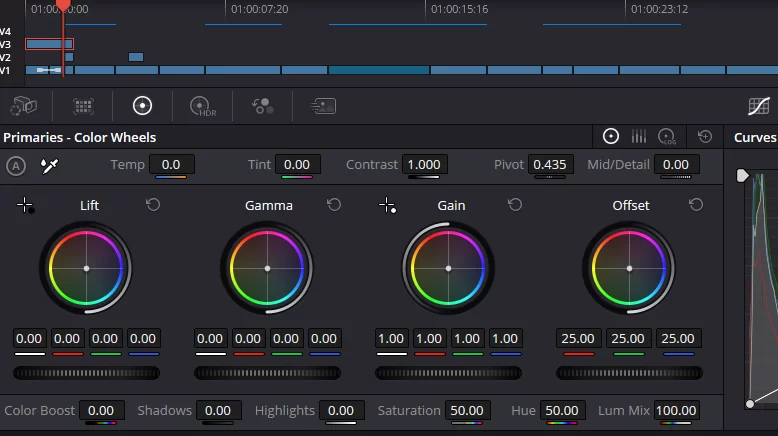
If color correction and grading matter to you, there’s almost no debate. DaVinci Resolve was born from a color correction system used in major films. Its node-based workflow, scopes, HDR support, and precision tools are unmatched. Premiere Pro’s Lumetri Color is capable but far less powerful and flexible. CapCut offers basic tools suitable for quick social videos but can’t touch professional results.
4. Performance and Stability
Users frequently report that Resolve runs smoother, especially on mid-range hardware, with better playback and faster exports compared to Premiere Pro. Premiere is notorious for being resource-heavy and prone to crashes. CapCut is lightweight and snappy for simple projects (especially on mobile), but it struggles with large timelines, high-resolution footage, or complex effects. Resolve handles professional workflows — multi-cam, RAW footage, large projects — with excellent optimization.
5. Learning Curve and Workflow
CapCut: Easiest for beginners – I learned to work with it in a few hours! Intuitive, template-driven, and perfect for fast TikTok/YouTube Shorts content… but the best features are not free.
Premiere Pro: Familiar to many but can feel cluttered with its panel system.
DaVinci Resolve: Has a steeper initial learning curve due to its dedicated pages, but once mastered, many editors report higher productivity and a more logical, focused workflow. Keyboard shortcuts are customizable, and the interface is clean and modern.
The transition from Premiere to Resolve is very doable, and the long-term efficiency gains are significant.
6. Advanced Features and Future-Proofing
Resolve includes strong AI tools (Neural Engine in Studio), excellent collaboration features, built-in VFX, and regular free updates. It supports everything from 8K+ workflows to stereoscopic 3D.
Premiere offers solid integration with Adobe’s ecosystem but… locks you into subscriptions. CapCut shines with AI for auto-captions, effects, and social optimization but isn’t built for high-end production.
Who Should Still Use the Alternatives?
Choose CapCut if: You’re mainly doing quick short-form social content, prioritize mobile editing, and want the fastest possible turnaround with templates. It’s fun and effective for that niche. [ but you need to remebember: there are many shortcontent creators that use that templates! ]
Choose Premiere Pro if: You’re deeply invested in the Adobe ecosystem (Photoshop, After Effects), work in a team that already uses it, or need specific Premiere-exclusive integrations.
For everyone else — especially those wanting professional results without ongoing costs — DaVinci Resolve is the clear winner.
Final Verdict:
DaVinci Resolve offers better value, superior color tools, a more complete feature set, stronger performance, and long-term cost savings compared to both CapCut and Premiere Pro. It’s used on major film and TV productions while remaining accessible to independent creators. Download the free version today from Blackmagic Design’s website and try it. Many editors who switch never go back.
Ready to elevate your editing? Your next project deserves the best tools — and DaVinci Resolve delivers them without breaking the bank or your workflow.
Later Edit: Other Absolutely Free / Open-Source Video Editors
While DaVinci Resolve (free version) offers the most professional feature set among free tools, several other completely free (no subscription, no required paid upgrade) and open-source options are worth considering depending on your needs:
- Shotcut — A lightweight, open-source, cross-platform editor known for excellent format support, no watermarks, and strong performance. Great for users who want simplicity without sacrificing flexibility.
- Kdenlive — Another powerful open-source editor with professional timeline features, multi-cam support, and good color tools. Popular among Linux users but works well on Windows and macOS.
- OpenShot — Beginner-friendly open-source editor with an intuitive interface, unlimited tracks, 3D title animations, and solid basic-to-intermediate capabilities. Recent versions have improved performance significantly.
- Blender (Video Sequence Editor) — While primarily a 3D suite, Blender’s built-in video editor is completely free and capable for cutting, effects, and compositing — especially useful if you already work in 3D.
These tools are all 100% free and open-source, with active communities. They won’t match Resolve’s color grading or all-in-one depth, but they are excellent for lighter projects or users who prefer minimal, no-frills software.