

Hey there, small business owners! In a world where remote work is the norm and quick catch-ups can make or break a deal, having reliable video solutions is a game-changer. Whether you’re brainstorming with your team, pitching to clients, or hosting a casual check-in, web-based video tools keep things simple—no clunky downloads or complicated setups required.
These platforms run right in your browser, making them perfect for busy entrepreneurs who just want to get stuff done.The beauty of these tools? They’re often free or super affordable, with features like screen sharing, recording, and chat that help you collaborate without breaking the bank. Plus, they prioritize ease of use, so even if tech isn’t your strong suit, you’ll be up and running in minutes. In this post, we’ll dive into some fantastic options tailored for small businesses.
I’ve focused on dedicated websites (no messaging apps here—just pure video goodness) that offer secure, straightforward ways to connect. I’ve also dug into the latest pricing as of January 2026 to help you budget wisely. And yes, there are more than seven great ones out there—I’ve expanded the list to ten based on current recommendations.
Let’s jump in!
1. Whereby (whereby.com)

If simplicity is your jam, Whereby is like that reliable coffee shop where everything just works. This browser-based platform lets you create personalized meeting rooms with custom URLs, so you can brand them for your business (think “yourcompany.whereby.com”). Guests join with one click—no accounts needed.Key features for small biz:
- Up to 100 participants in the free plan (with time limits), upgrading to paid for unlimited time and more rooms.
- Screen sharing, chat, and integrations with calendars like Google.
- Strong security with end-to-end encryption.
Pricing:
Free plan available with up to 4 participants and 30-minute limits (based on recent reviews). Paid plans start at around $8.99/month for pro features like unlimited time and larger groups. It’s ideal for client consultations or team huddles—super user-friendly and great for solopreneurs or small teams who hate fuss.
LINK: https://whereby.com/
2. Jitsi Meet (meet.jit.si)
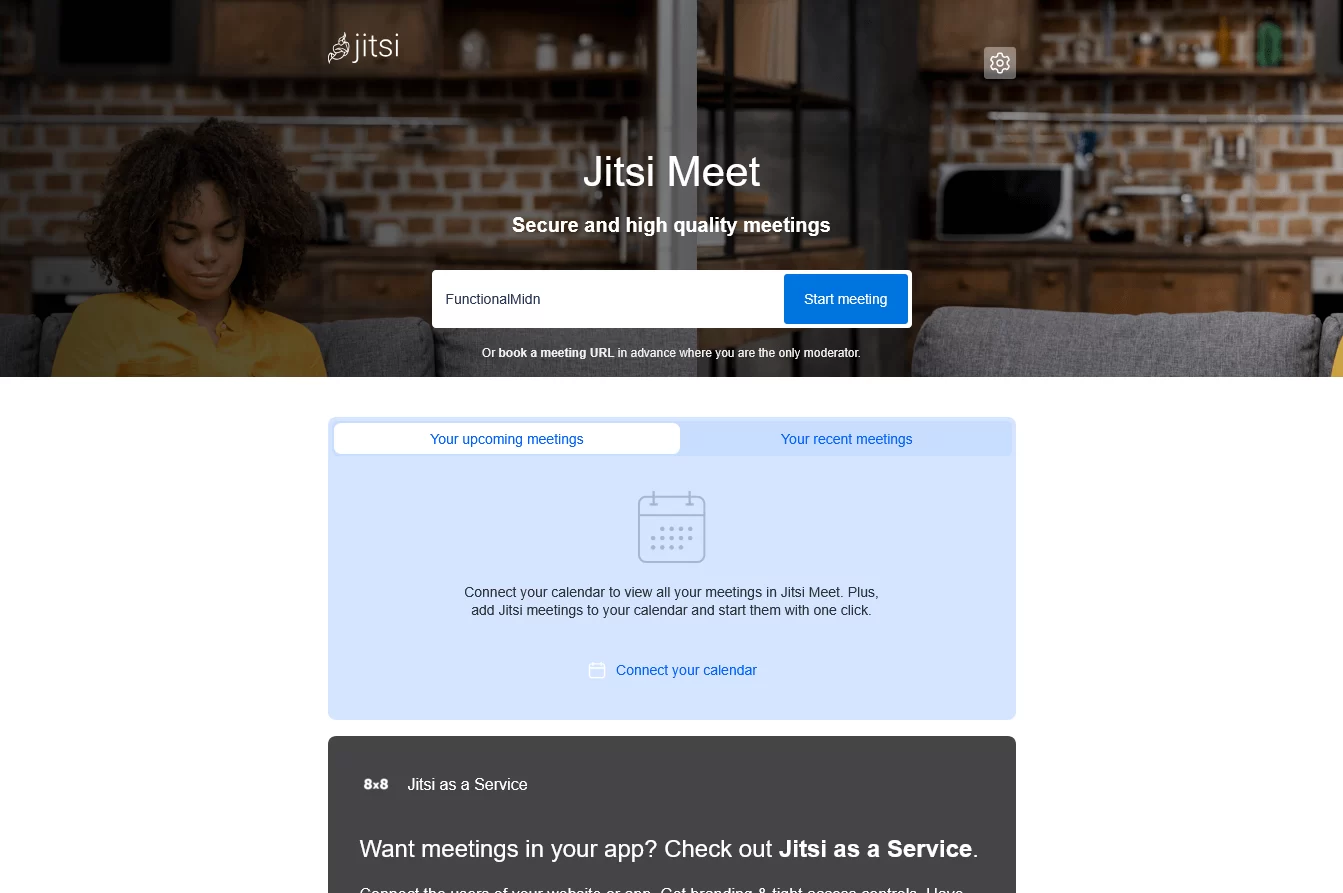
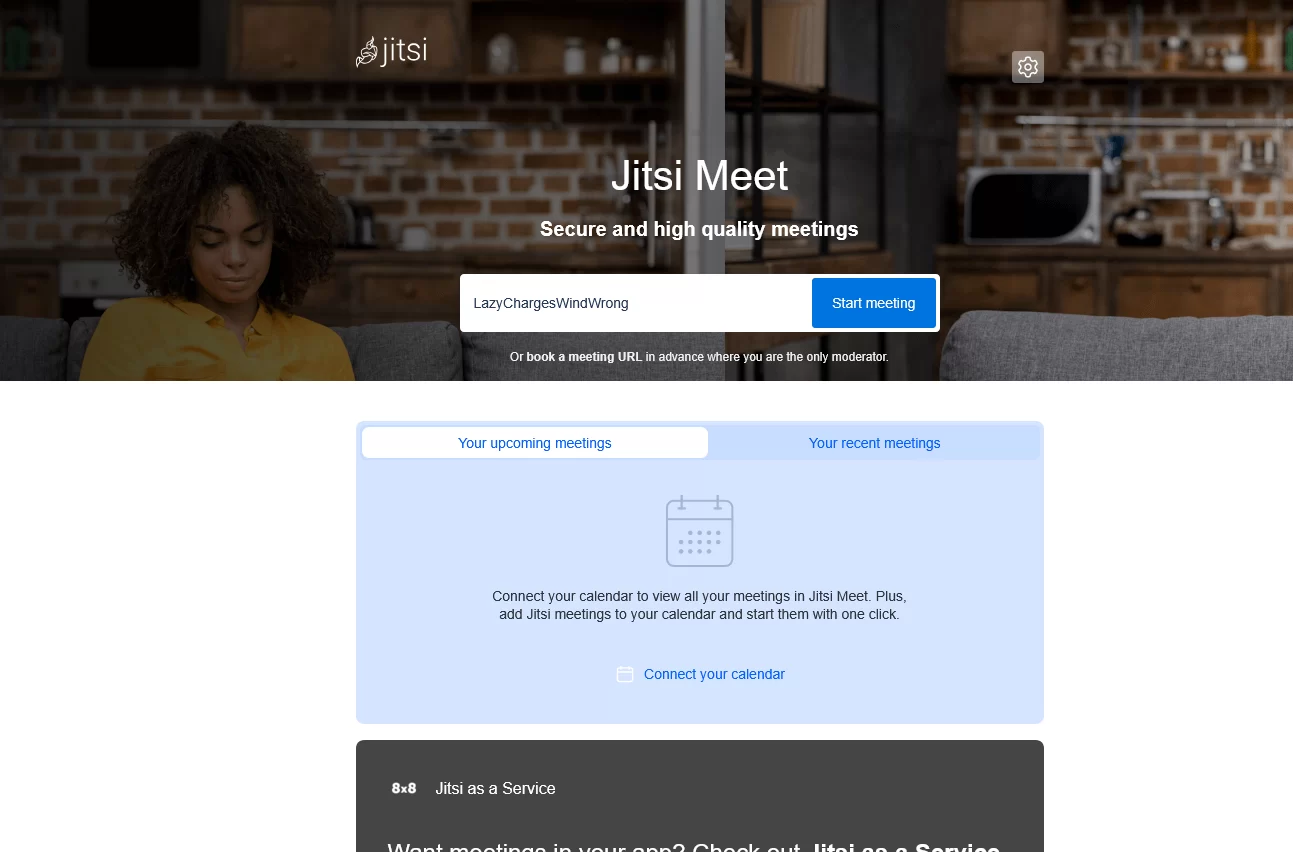
Open-source and totally free? Yes, please! Jitsi Meet is a powerhouse for privacy-focused businesses. You don’t need to sign up or install anything—just generate a link and start talking. It’s built for flexibility, and you can even self-host it if you want full control.What makes it shine:
- Unlimited meeting time and participants (though server load might cap larger groups).
- Screen sharing, live captions, and collaborative etherpad for notes.
- High-quality video with noise suppression.
Pricing:
Completely free with no paid tiers or premium features mentioned—use it all day, every day without limits. Small businesses love it for quick internal meetings or customer support calls. No hidden costs, and it’s customizable—perfect if you’re in tech or just value open tools.
LINK: https://meet.jit.si/
3. Sylaps (sylaps.com)
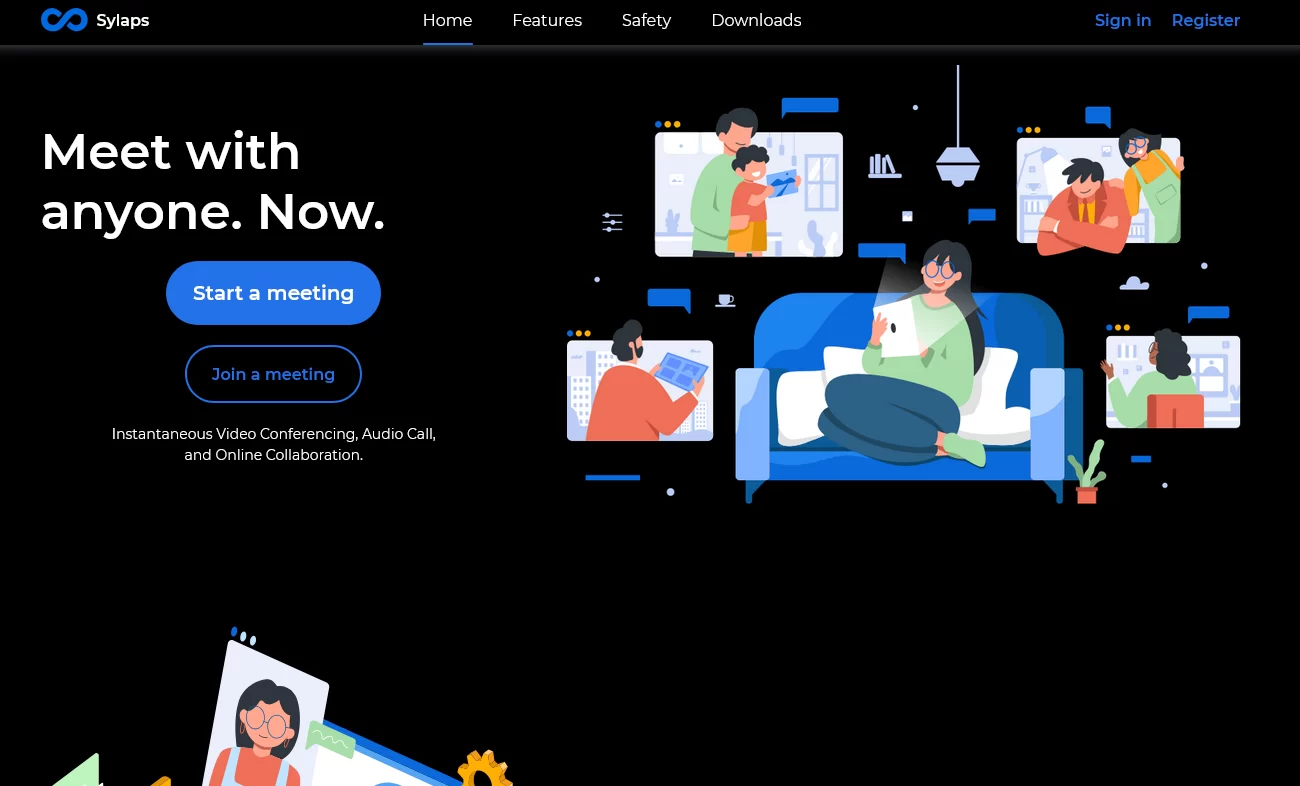
For those “meet now” moments, Sylaps delivers instant audio and video calls with a focus on collaboration. Share a link, and boom—your team or clients are in. It’s cross-platform, working seamlessly on desktops, tablets, or phones, but the web version keeps things lightweight.Business-friendly perks:
- Screen sharing and file/data sharing for productive sessions.
- Secure connections with one-click joins.
- Free basic use, with apps available for enhanced mobility.
Pricing:
Appears to be completely free with no pricing plans or paid options listed on the site—unlimited use without costs. Great for small service-based businesses like consultants or freelancers who need spontaneous chats without the overhead. It’s straightforward and emphasizes speed, making it a hidden gem for on-the-fly discussions.
LINK: https://sylaps.com/
4. Y99 Meet (meet.y99.org)
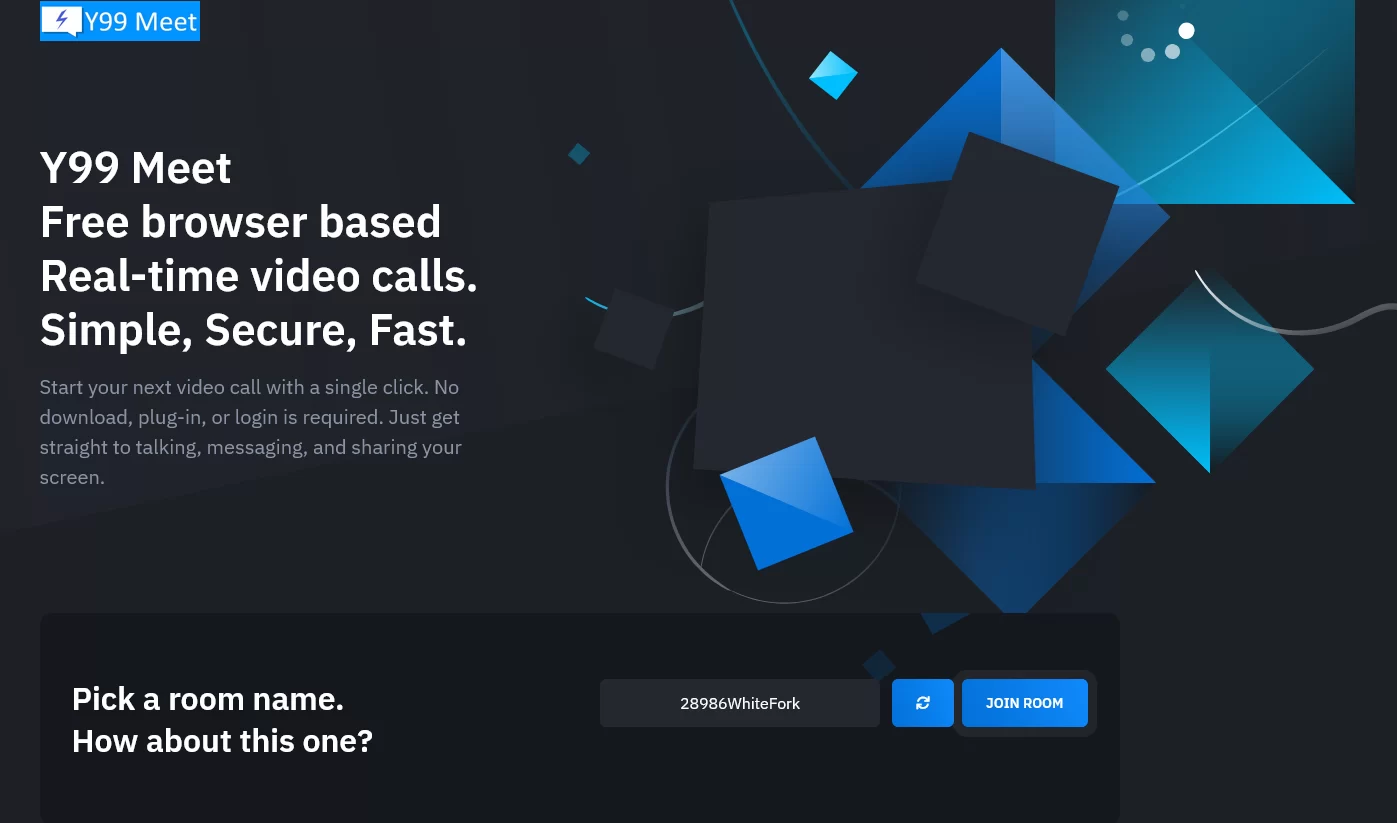
Looking for a free, no-frills option with surprising depth? Y99 Meet is a browser-based platform that packs in features without any login required. It’s all about real-time video, messaging, and sharing, making it versatile for small teams.Standout elements:
- High-res webcam streaming (up to 8K), screen sharing, and local recording.
- Integrated chat, whiteboard for brainstorming, and file sharing.
- Unlimited rooms and users, plus privacy-focused encryption.
Pricing:
Fully free with no time limits, premium features, or paid plans—everything included at no cost. This one’s excellent for creative small businesses or startups testing ideas. The AI integration (like ChatGPT for quick queries) adds a fun, innovative twist, and it’s completely free—ideal if budget is tight.
LINK: https://meet.y99.org/
5. Zoho Meeting (zoho.com/meeting)
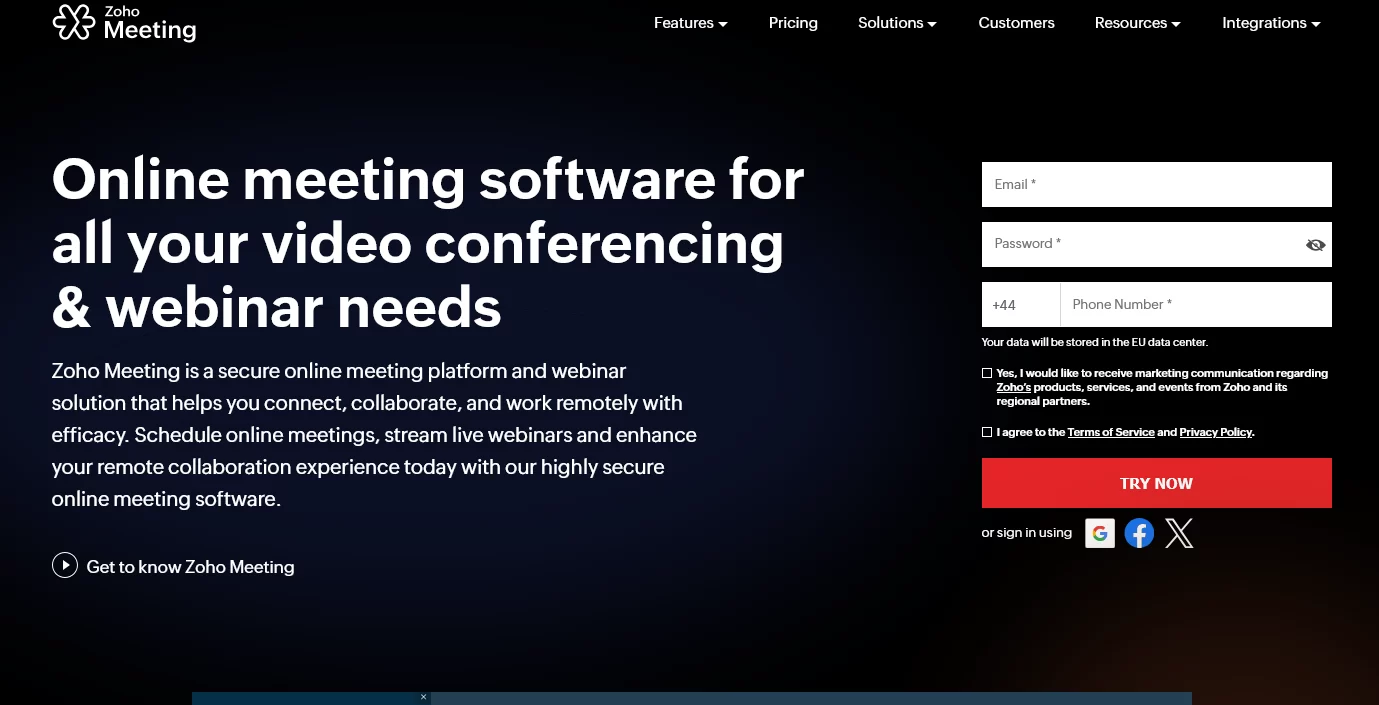
Part of the Zoho ecosystem, this web-based tool is a steal for small businesses already using other Zoho apps (like CRM or email). It’s affordable and scales with you, offering both meetings and webinars.Why it’s awesome:
- Free plan for up to 100 participants with 60-minute limits; paid starts at $1/user/month (but check latest: Standard at $33/host/month billed annually).
- Screen sharing, polls, Q&A, and recording with cloud storage.
- Integrations with calendars and email for seamless scheduling.
Pricing:
Free plan with basic features.
LINK: https://www.zoho.com/meeting/
Paid: Standard ($33/host/month annual), Professional ($83/host/month annual), including extras like cloud storage and advanced analytics. If you’re running webinars for leads or team trainings, Zoho’s got you covered. It’s secure, easy, and grows with your business without overwhelming costs.
6. FreeConferenceCall (freeconferencecall.com)
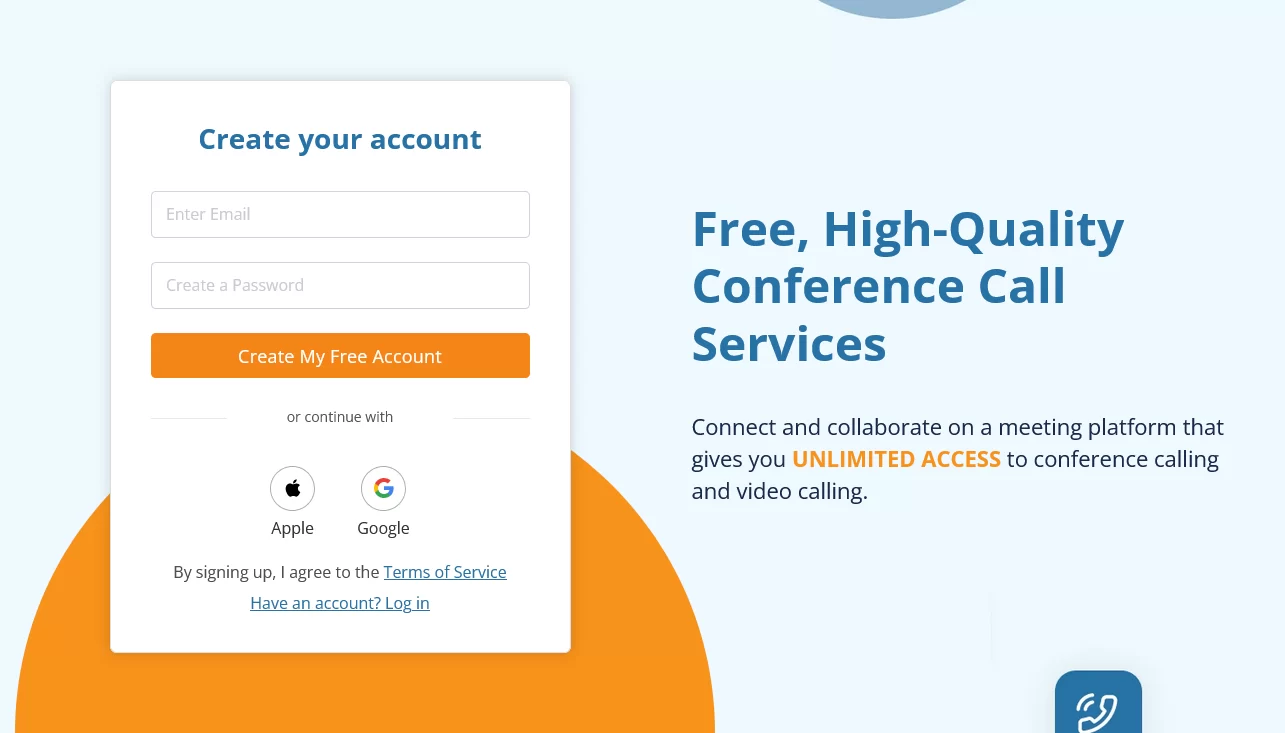
Don’t let the name fool you—this is a robust web-based service for video meetings, audio calls, and more. It’s completely free for basics, with no time limits, making it a favorite for bootstrapped small businesses.Highlights:
- Up to 1,000 participants, screen sharing, and recording.
- Chat, breakout rooms, and international dial-in options.
- Simple browser access with optional apps.
Pricing:
Free plan at $0/month with 1,000 participants, unlimited time, and core features like HD audio/video and recording.
Paid add-ons: One Number ($39/year), FCC Pro ($79/year) for advanced tools like whiteboards and extra storage. Perfect for larger team all-hands or client demos. The free tier is generous, and upgrades add storage and premium features for pennies.
LINK: https://www.freeconferencecall.com/
7. Google Meet (meet.google.com)
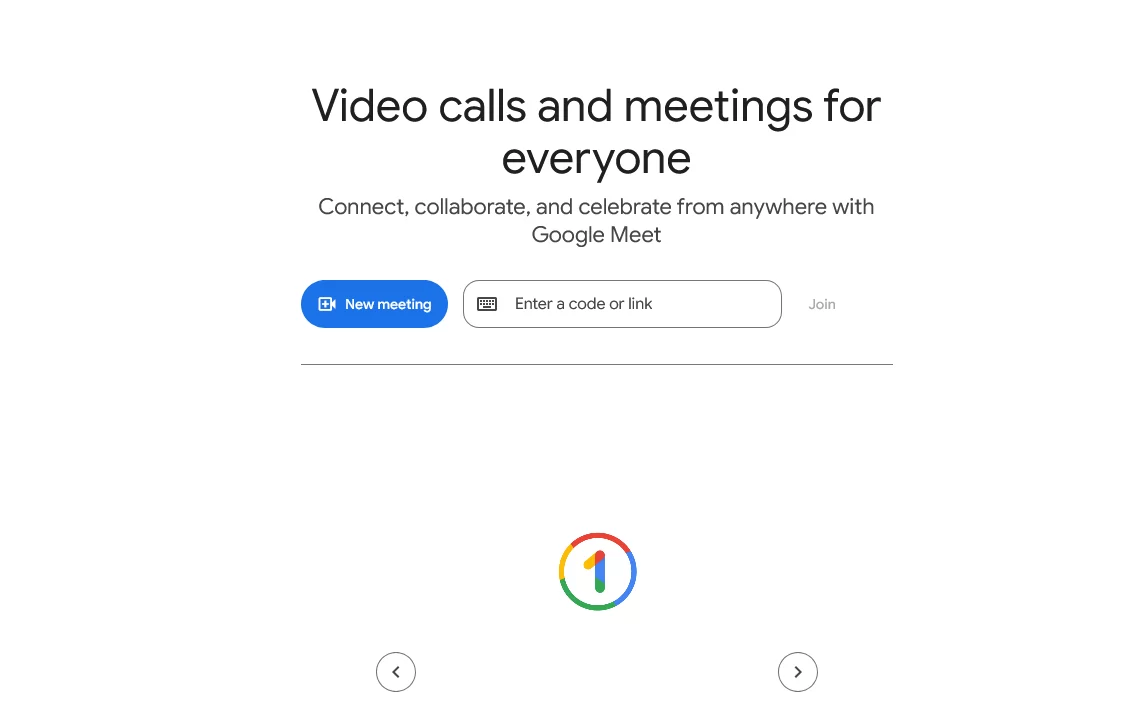
A classic that’s evolved into a small business staple, Google Meet is web-first and integrates effortlessly if you’re in the Google Workspace world. It’s reliable for everyday use.Quick wins:
- Free for up to 100 participants (60-minute limit); Workspace plans start at $6/user/month for unlimited.
- Noise cancellation, live captions, and screen sharing.
- Easy scheduling via Google Calendar.
Pricing:
Free with 100 participants and 60-minute group limits.
Paid Workspace: Starter ($7/user/month annual), Standard ($14/user/month), Plus ($22/user/month), Enterprise (contact sales). For small retail or service teams coordinating shifts or updates, it’s a no-brainer. Secure and familiar, especially if you use Gmail or Drive.
LINK: https://meet.google.com/
8. Webex Meetings (webex.com)

From Cisco, Webex offers high-quality video in a browser-friendly package, perfect for businesses needing reliability without downloads. It’s great for professional presentations.Key perks:
- Excellent video quality and collaboration tools.
- Screen sharing, AI features, and integrations.
- Secure with end-to-end encryption.
Pricing:
Free plan with up to 100 participants and 40-minute limits.
Enterprise plan: Contact sales for custom pricing, supporting up to 1,000 attendees with unlimited duration and advanced features. Ideal for small teams scaling up to larger calls—affordable entry with room to grow.
LINK: https://www.webex.com/
9. Dialpad Meetings (dialpad.com/meetings)
Dialpad brings AI-powered meetings to the web, focusing on smart features like real-time transcripts. It’s browser-based and integrates well with business comms.Standouts:
- HD calls, auto-summaries, and noise suppression.
- Unlimited calls in plans.
- Easy joins without apps.
Pricing:
No standalone free plan, but included in Dialpad Connect: Standard ($15/user/month), Pro ($25/user/month), Enterprise (contact sales). Free trial available. Great for small businesses wanting AI smarts in their video tools—cost-effective for teams needing transcripts and insights.
LINK: https://www.dialpad.com/ai-meetings/
10. TrueConf (trueconf.com)
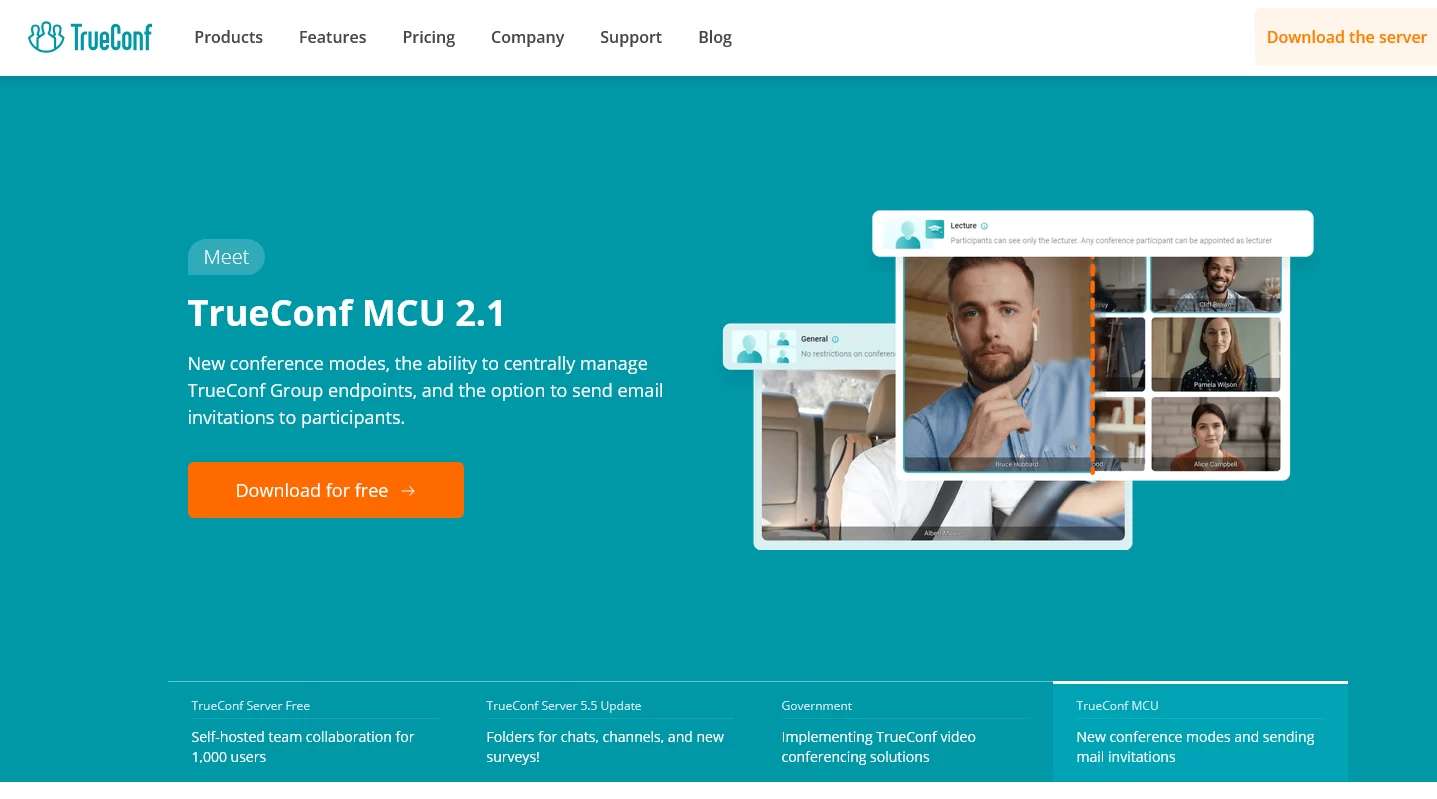
A secure, web-accessible platform with a focus on privacy and on-premise options, TrueConf is solid for businesses prioritizing data control.Features to love:
- Video calls, screen sharing, and recording.
- Supports small groups in free tier.
- High security standards.
Pricing:
Free plan with up to 6 participants.
Paid plans start affordably (around $10-20/user/month based on reviews, though exact 2026 details vary—check site for updates). Perfect for tech-savvy small businesses or those in regulated industries needing robust, free basics with upgrade paths.
LINK: https://trueconf.com/
Wrapping It Up: Choose What Fits Your Flow
There you have it—ten stellar web-based video solutions that can supercharge your small business without the hassle.
From totally free gems like Jitsi Meet and Y99 Meet to scalable options like Zoho and Google Meet, these tools make staying connected feel effortless.
I’ve included the latest pricing info to help you pick based on your budget—many start free, with paid upgrades for growing needs.
Remember, the best tool is the one that saves you time and stress, so prioritize features like ease of join and security. Start with a free trial (most offer one), test a few meetings, and see what clicks for your team. Got questions or your own favorites?
Drop a comment below—I’d love to hear!
Let’s keep those business vibes productive and positive in 2026.
UPDATE: another 2 apps
—###—
LE: if you want to use a messaging app, check this article: