
Ina other post I wrote about Davinci resolve – a powerfull video editor. The free version is good enough but there are also another free versions. Let’s talk about the best open-source software for video editing (updated for 2026).
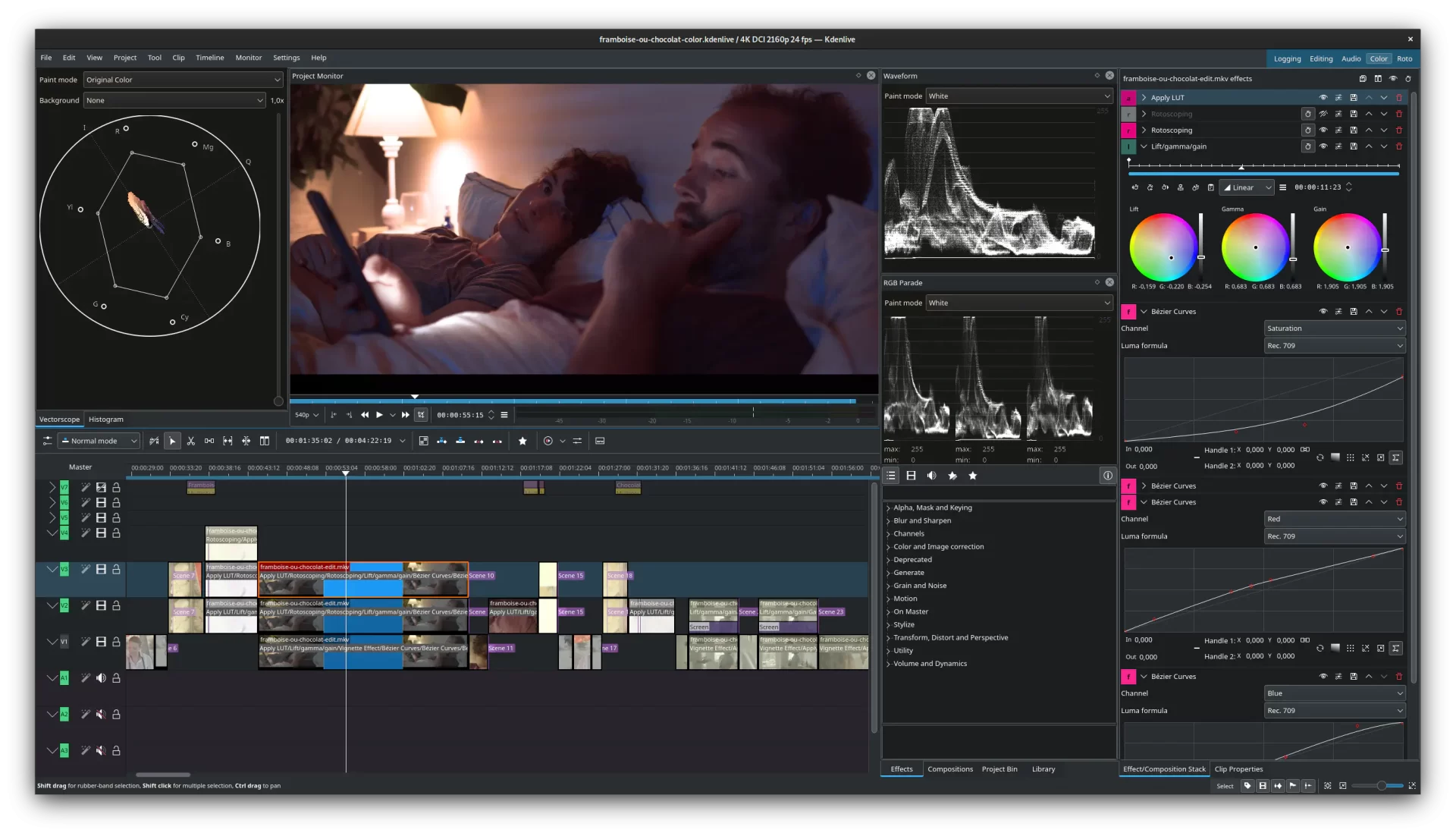
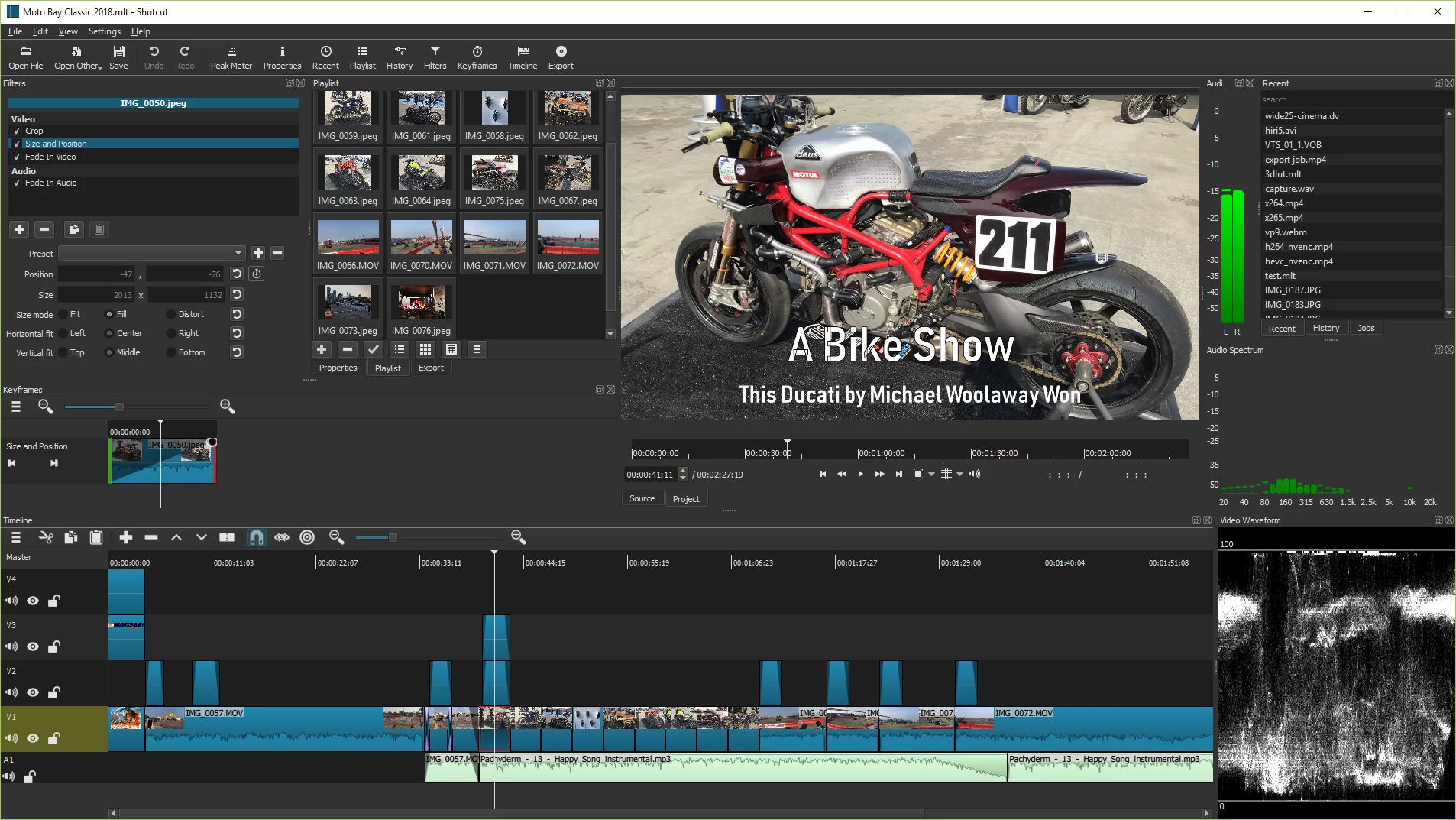
Kdenlive and Shotcut are two of the strongest open-source non-linear video editors (NLE). But there are more. User friendly easy to learn and you can find plenty of tutorials on Youtube.
Here are other solid open-source alternatives worth trying, ranked by popularity and features.
/
| Rank | Editor | Platforms | Best For | Difficulty | Current Status (2026) | Recommendation |
|---|---|---|---|---|---|---|
| 1 | Shotcut | Windows, Mac, Linux | Versatile, modern editing | Medium | Very active & stable | Excellent all-rounder |
| 2 | Kdenlive | Windows, Mac, Linux | Feature-rich, timeline editing | Medium | Very active, strong updates | Top choice for most users |
| 3 | OpenShot | Windows, Mac, Linux | Beginners, simple & beautiful UI | Easy | Active | Best for newcomers |
| 4 | Flowblade | Mainly Linux | Fast, precise editing | Medium | Stable | Linux power users |
Quick Recommendations by Use Case:
- Best overall in 2026: Kdenlive or Shotcut
Both are mature, actively developed, and cross-platform. - Beginner-friendly: OpenShot — easiest learning curve with nice animations and titles.
- Fast & lightweight: Shotcut (very stable across all OS) or LosslessCut (for quick trimming without re-encoding).
- Linux native power: Kdenlive + Flowblade.
- Advanced compositing / VFX: Blender (Video Sequence Editor).
- Modern interface: Try Olive (but note it’s still not fully stable).
Other Useful Tools:
- LosslessCut – Best for fast cutting/splitting without quality loss.
- Avidemux – Simple cutting + encoding.
- VidCutter -Super simple quick edits.
- Recordly – Capture and video editor
All these programs are 100% free, open-source, with no watermarks and no hidden limitations on exports.